PX4 - ROS 2 Integration
Setting up a ROS 2 Workspace
Download
ROS 2 comes installed with some basic packages. A ROS package is a directory or folder that contains code, data, and configuration files that provide a specific functionality or module. For instance, the "sensor_msgs" package contains common ROS 2 message types used to transfer sensor data such as PointCloud2, Image, DepthCloud, and so on.
For local installations, we need to set up a ROS Workspace. A ROS workspace is needed in this particular case because we need to install the px4_msgs and px4_ros_coms packages.
# Create a workspace folder
mkdir -p ~/px4_ws/src
cd ~/px4_ws/src
# Clone the two packages into it
git clone https://github.com/PX4/px4_msgs.git
git clone https://github.com/PX4/px4_ros_com.git
The px4_msgs is important for the ROS interface between controller and processor. All the uORB topics sent from the controller and repackaged into ROS 2 topics. In order for this to happen, there needs to be the appropriate message types in the companion processor which are inside the px4_msgs package.
Finally, we need to build the packages. ROS 2 uses the colcon build tool.
Build
# Navigate to workspace root
cd ~/px4_ws
# Build packages
colcon build
This should take some time at first run as the tool generates all the message files. Once finished, the workspace should have the following structure:
L px4_ws/
   L build/
       L ...
   L install/
       L ...
   L log/
       L ...
   L src/
       L px4_msgs
       L px4_ros_coms
       L <add more here>
Source
Finally, since this is a local installation, we need to source this workspace so that we can access the locally installed packages. Refer to this for more explanation.
In every new terminal that requires you to access packages from this local installation, run:
source ~/px4_ws/install/local_setup.bash
Listening to Data
Launch Simulation
The first step of this process requires us to launch the simulation through either Gazebo or JMavSim (i.e. simulator of choice). This is described in the following section.
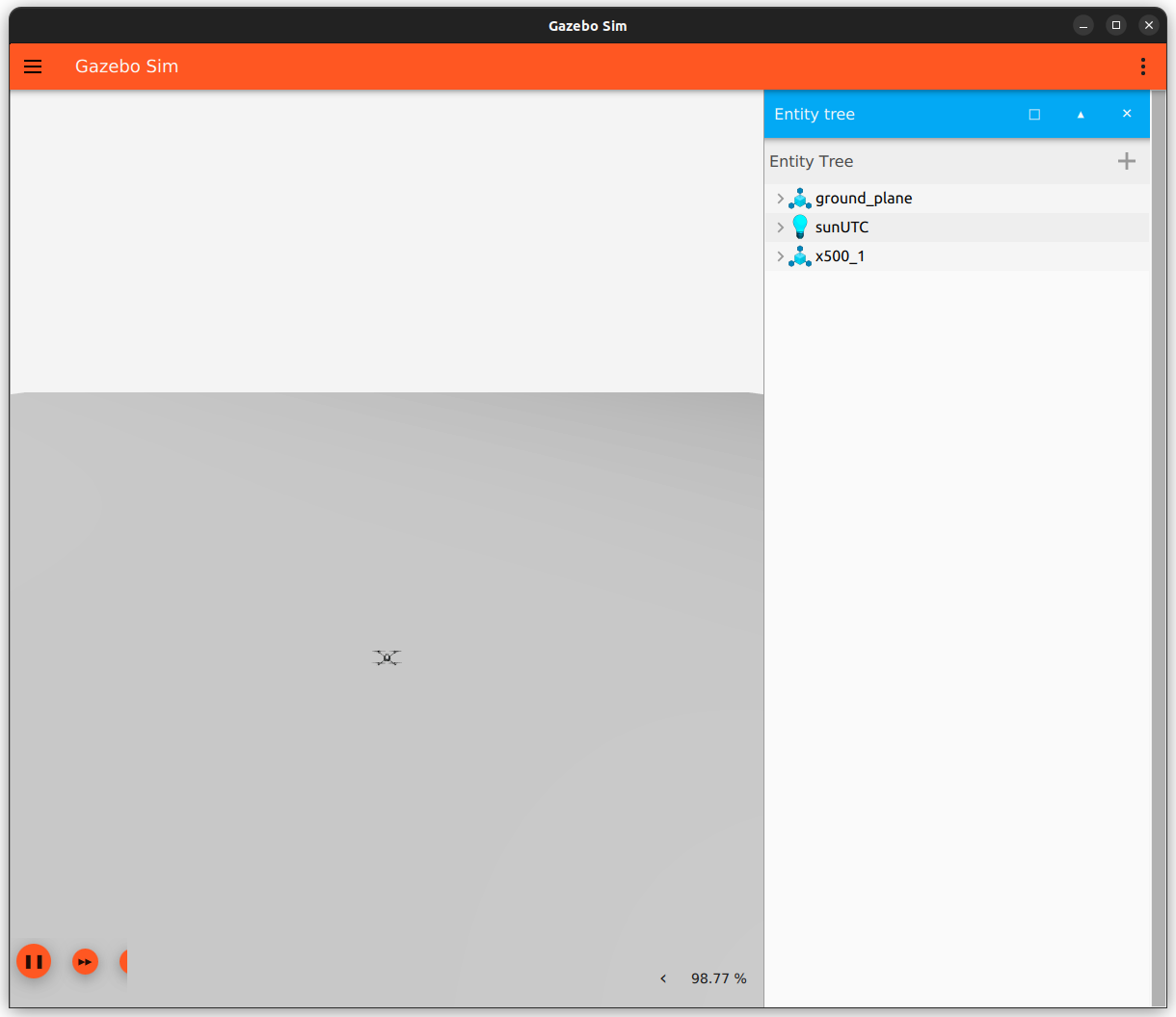
For this case, we will go with Gazebo. Upon building for SITL, the following window should open up:
Initialise μXRCE-DDS Agent
After than, ensure that the DDS agent is running so that the uORB topics are exposed to the ROS 2 framework. In a separate terminal run:
MicroXRCEAgent udp4 -p 8888
Subscribing to ROS 2 Topics
As explained before, data from the PX4 is obtained from the ULog. The information is packaged into uORB topics inside the controller and transmitted to the companion processor through the μXRCE-DDS channel. At the agent side, the computer, this information is shared with ROS 2 as topics. The uORB topics are directly translated into ROS 2 topics once you activate the MicroXRCEAgent.
To see the topics available, open a new terminal and source the local installation of px4_msgs. After that, run:
ros2 topic list
In the terminal, you should now see something like this:
# Publishable
/fmu/in/obstacle_distance
/fmu/in/offboard_control_mode
/fmu/in/onboard_computer_status
/fmu/in/sensor_optical_flow
/fmu/in/telemetry_status
/fmu/in/trajectory_setpoint
/fmu/in/vehicle_attitude_setpoint
/fmu/in/vehicle_command
/fmu/in/vehicle_mocap_odometry
/fmu/in/vehicle_rates_setpoint
/fmu/in/vehicle_trajectory_bezier
/fmu/in/vehicle_trajectory_waypoint
/fmu/in/vehicle_visual_odometry
# Subscribable
/fmu/out/failsafe_flags
/fmu/out/position_setpoint_triplet
/fmu/out/sensor_combined
/fmu/out/timesync_status
/fmu/out/vehicle_attitude
/fmu/out/vehicle_control_mode
/fmu/out/vehicle_global_position
/fmu/out/vehicle_gps_position
/fmu/out/vehicle_local_position
/fmu/out/vehicle_odometry
/fmu/out/vehicle_status
All subscribable topics can be observed in the terminal itself with the following command:
ros2 topic echo /fmu/out/<topic_name>
NOTE that if you don't have the local installation sourced, the following error might pop up:
The message type '<message_name>' is invalid
In that case, simply source the local installation for the terminal and try again.
To get information about the message type being sent through these topics, run:
ros2 topic info /fmu/out/<topic_name>
The following subscribable topics are available out-of-the-box. A brief explanation of the data that is structured inside them is provided alongside.
| Topic Name | Description |
|---|---|
| /.../out/failsafe_flags | Flags for the failsafe state machine set by the arming & health checks. |
| /.../out/position_setpoint_triplet | Global position setpoint triplet in WGS84 coordinates. |
| /.../out/sensor_combined | Sensor readings in SI-unit form (gyro, accelerometer). |
| /.../out/timesync_status | |
| /.../out/vehicle_attitude | This is similar to the mavlink message ATTITUDE_QUATERNION, but for onboard use. |
| /.../out/vehicle_control_mode | Flagging control modes. |
| /.../out/vehicle_global_position | Fused global position in WGS84. It is global position estimation not raw GPS. |
| /.../out/vehicle_gps_position | GPS position in WGS84 coordinates. |
| /.../out/vehicle_local_position | Fused local position in NED frame. Origin set to vehicle position at time of EKF module start. |
| /.../out/vehicle_odometry | Vehicle odometry data. Fits ROS REP 147 for aerial vehicles. |
| /.../out/vehicle_status | Encodes system state of vehicle published by commander. |
Exposing More Topics
These are the messages being actively exchanged inside the PX4 through uORB topics. Nearly all of them can also be accessed in ROS 2 as long as the Micro XRCE-DDS agent is active. You can find a list of message types available in ROS 2 here. You can cross-reference the uORB messages with the ROS 2 messages.
However, you can see that only a few out of this list are actually available when you call up the topic list. This is because it is possible to only passthrough selective topics through the Micro XRCE-DDS bridge. If you want to access more topics that aren't in ROS 2 but available in the PX4 controller, add them to the dds_topics.yaml file in ~/PX4-Autopilot/blob/main/src/modules/uxrce_dds_client/. You may need to build again after making this change.
Instructions on exposing additional topics through the DDS connection can be found here.
How does dds-agent throttle message rates in topics?
dds_topics.yaml takes in a parameter rate that is the period in milliseconds.
By default, it is set to 10 milliseconds which means that any message beyond that rate is dropped.
Will have to add more topics to this and add the rate parameter to increase the rate of the /fmu topics. However, it may affect the CPU load in the flight controller. This needs to be benchmarked.